
Setup Guide · Streaming
Apple TV 4K on an LG OLED: the settings that actually matter
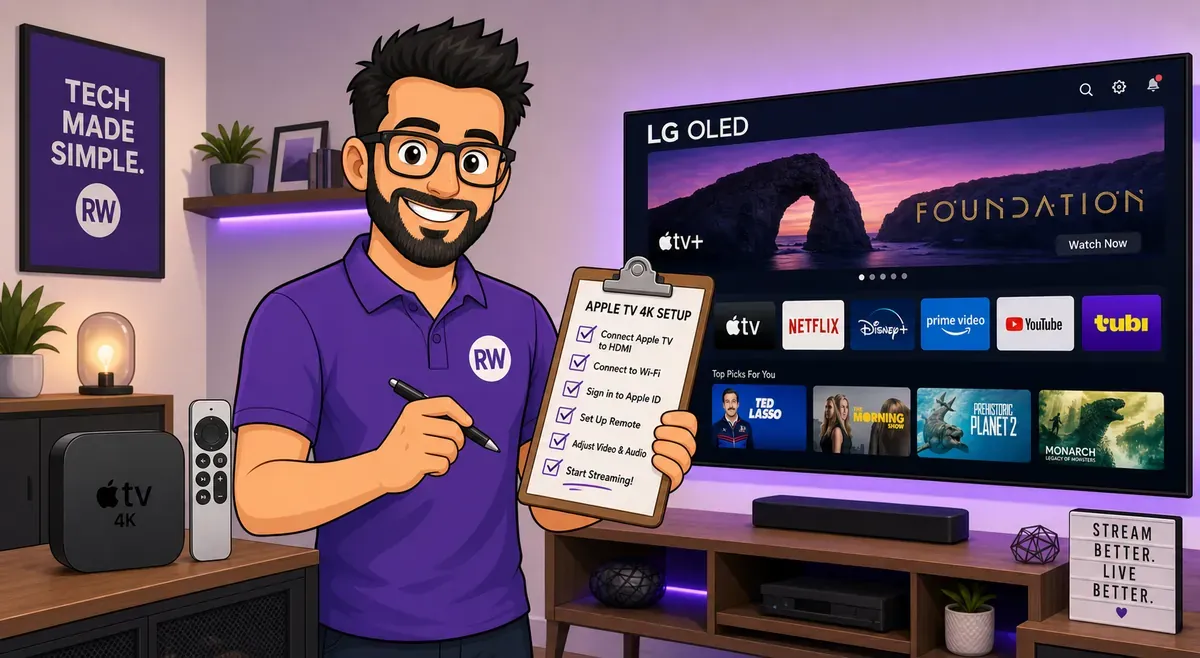
An Apple TV 4K plugged into an LG OLED is one of the best picture-and-sound combos you can own — but only if you set both ends up right. Out of the box you'll often get film judder, SDR shows forced into washed-out HDR, and color that isn't running at full bandwidth. Ten minutes of settings fixes all of it. Here's the short, no-fluff version.
⚙ On the Apple TV (Settings → Video and Audio)
| Format | 4K SDR (let the TV switch to HDR/Dolby Vision via Match Content) |
|---|---|
| Match Content → Match Dynamic Range | On |
| Match Content → Match Frame Rate | On (this kills 24p film judder) |
| Chroma / HDMI output | YCbCr, 4:4:4 |
| Audio Format | Auto — enable Dolby Atmos if you have it |
⚙ On the LG OLED
| HDMI Ultra HD Deep Color (for the Apple TV's input) | On — unlocks 4K 4:4:4 + full HDR bandwidth |
|---|---|
| Picture Mode | Filmmaker Mode (SDR/HDR) · Dolby Vision Cinema for DV content |
| TruMotion (motion smoothing) | Off — preserves the real 24p from Match Frame Rate |
| Sound Out | HDMI eARC — passes Dolby Atmos to a soundbar/AVR |
Why these settings
The single most important idea: set the Apple TV to 4K SDR and turn Match Content on, rather than forcing the box into "4K Dolby Vision" all the time. Left in always-on Dolby Vision, the Apple TV wraps everything — including plain SDR menus and shows — in an HDR container, which can look washed out and grey. With SDR as the base and Match Dynamic Range on, SDR stays SDR and HDR/Dolby Vision content triggers only when it should. Match Frame Rate is what removes the stutter in 24fps movies, so it's the setting most worth turning on.
On the TV side, LG hides full HDMI bandwidth behind HDMI Ultra HD Deep Color — leave it off and you're capped below 4K 4:4:4 and proper HDR. Filmmaker Mode gives you the most accurate picture with the least fiddling, and turning TruMotion off keeps the film cadence you just enabled on the Apple TV. Finally, eARC is what actually carries lossless Dolby Atmos from the TV to your sound system.
60-second checklist
Do this
- Apple TV Format → 4K SDR, Match Content + Match Frame Rate → On
- LG: HDMI Ultra HD Deep Color → On for that input
- LG: Filmmaker Mode, TruMotion Off
- LG: Sound Out → HDMI eARC, Apple TV audio → Auto + Atmos
Avoid
- Leaving the Apple TV forced to "4K Dolby Vision" always-on
- Leaving motion smoothing / TruMotion on for movies
- Forgetting Deep Color — it silently caps your color and HDR
Sources
- Apple Support — Match Dynamic Range & Match Frame Rate
- RTINGS — LG OLED calibration references
- AVS Forum — Apple TV + OLED settings discussion
RightWei summarizes recommended settings from the sources above and Apple's own guidance — exact menu names vary a little by webOS year and Apple TV software version. Adjust to taste; these are the reliable starting points.