
Setup Guide · Streaming
The modern cord-cutting setup: ClearStream MAX-V + HDHomeRun Flex
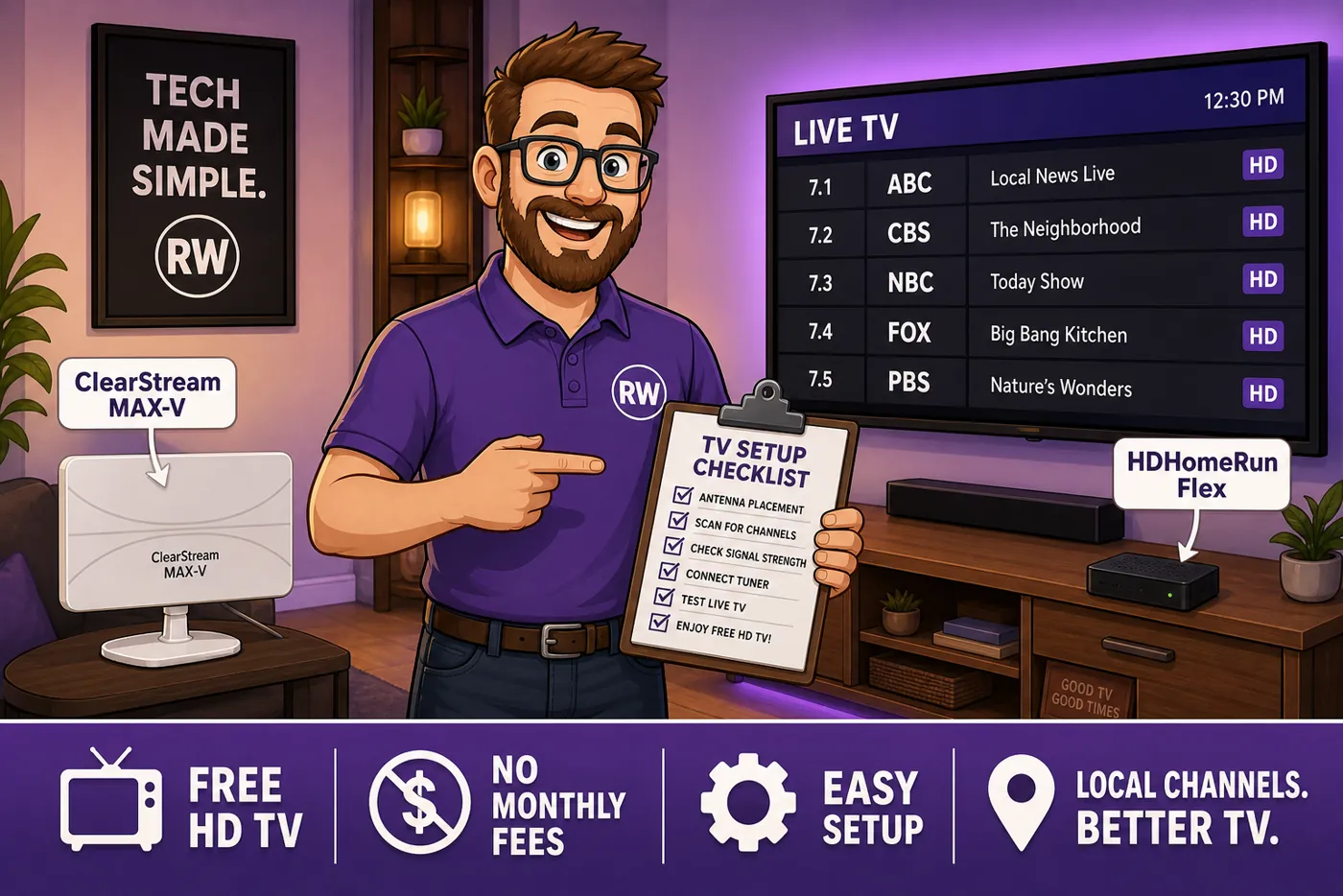
The old rabbit-ear-on-the-TV days are over. Pair a good roof/attic antenna with a network tuner and your free local channels — ABC, CBS, FOX, NBC, PBS — stream to every TV, phone and tablet in the house, with a DVR if you want one. This is the exact setup we recommend and run: an Antennas Direct ClearStream MAX-V antenna feeding a SiliconDust HDHomeRun Flex tuner.
⚙ How it goes together
| 1. Antenna | ClearStream MAX-V — multidirectional UHF/VHF, mount high (attic or roof) and aim toward your broadcast towers |
|---|---|
| 2. Coax | Antenna → coax → the F-connector on the back of the HDHomeRun Flex |
| 3. Network | HDHomeRun Flex → Ethernet to your router (it does not do Wi-Fi). It can live in a closet or basement — it doesn't need to be near a TV |
| 4. Watch | The tuners now appear to every device on your network via the HDHomeRun app, Plex, or Channels DVR |
| 5. DVR (optional) | Point it at a USB drive or NAS; storage pools together for network recording |
Why this combo
An antenna alone ties live TV to one screen. The HDHomeRun Flex turns that one antenna into a whole-home source: because it streams broadcast TV across your network, it "doesn't need to be anywhere near your TV" and "will stream broadcast TV signals to televisions, smartphones and tablets across your home network" (PCWorld). The Flex 4K model also pulls in ATSC 3.0 / NextGen TV where it's broadcasting. On the antenna side, reviewers rate the ClearStream line for solid long-range multidirectional reception — the piece that actually determines how many channels you get.
Why you'll love it
- Free local channels, in HD, with no monthly bill
- Live TV on every device in the house from one antenna
- Full DVR with your own storage — no cloud fees
- Tuner can hide in a closet; nothing clutters the TV
Know before you buy
- The HDHomeRun needs a wired Ethernet run — no Wi-Fi
- Channel count depends on antenna placement and distance to towers
- ATSC 3.0 / NextGen coverage varies by market (needs the Flex 4K)
Sources
- PCWorld — HDHomeRun Flex 4K review
- SiliconDust — HDHomeRun official
- Antennas Direct — ClearStream antennas
RightWei describes the setup we run and summarizes the cited reviews and official docs — over-the-air results depend on your location and antenna placement, so treat channel counts as market-dependent. We don't test units in a lab.